

.webp)

.svg)
3 Actions to Lift Google Business Profile Optimization for Small Teams
The biggest lift comes from three actions in order: claim and verify your Business Profile, then make your name, address, phone number and categories accurate and consistent, then actively generate and respond to reviews while posting fresh content. Everything else is refinement. Track results through Google Business Profile insights, and treat the work as ongoing, not a one-off task.
TL;DR:
- Verifying your Business Profile via postcard, phone, email, or video and assigning a primary owner is essential to ensure your listing ranks reliably in search results.
- Consistently matching NAP details across your profile, website, and directories significantly boosts your local search visibility and credibility.
- Prioritizing the most accurate primary category and clear descriptions helps your profile appear for relevant local searches, avoiding irrelevant or broad categories.
- Uploading fresh, specific photos and videos every two to four weeks increases engagement and recognition, especially exterior and interior shots of your premises.
- Regularly review insights and respond promptly to reviews, focusing on attracting recency and activity to improve ranking and conversion rates over time.
Table of Contents
- What does Google Business Profile optimisation actually mean?
- How do you verify and claim your Business Profile?
- Is your core business information accurate everywhere?
- Which category and description choices help most?
- What photos and videos actually improve engagement?
- How do you get more reviews without breaking the rules?
- When should you use posts versus offers versus events?
- Should you enable products and bookings on your profile?
- Which GBP insights actually tell you what to fix?
- What’s a realistic weekly and monthly maintenance schedule?
- Why an integrated approach shortens the path to results
- How Hook Digital turns this checklist into results
- Sources
- FAQ
What does Google Business Profile optimisation actually mean?
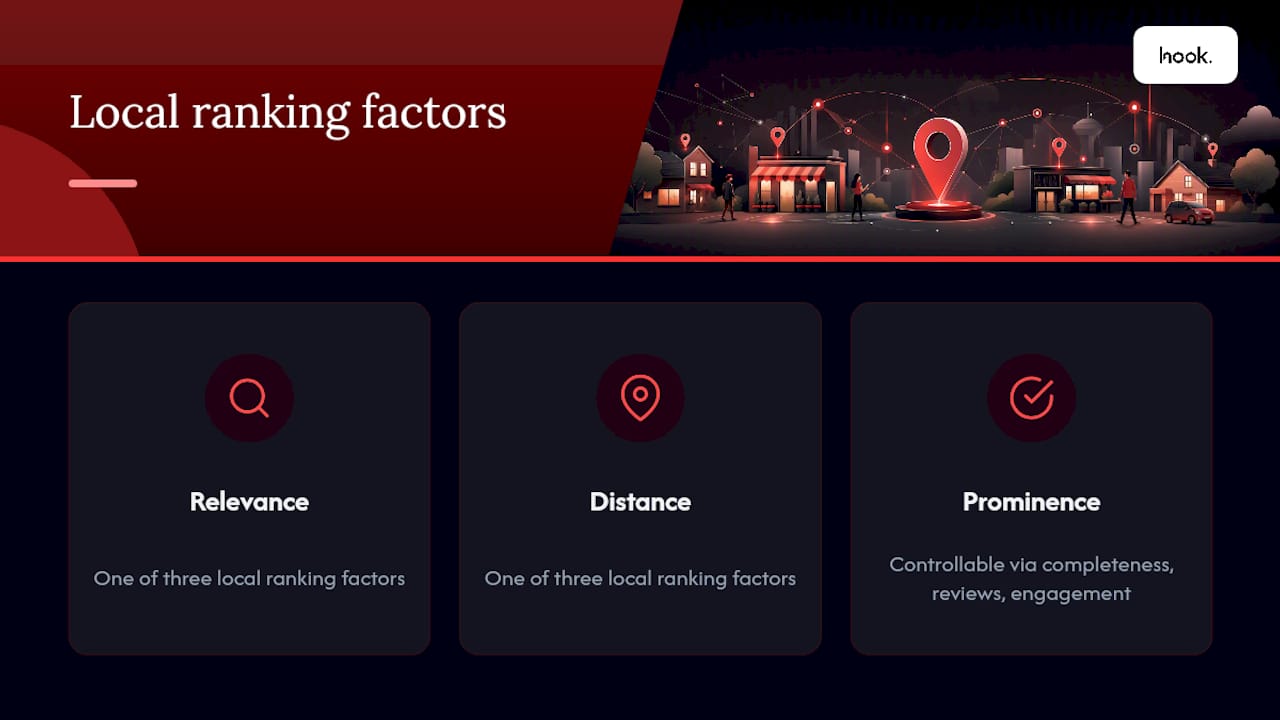
Optimising a Google Business Profile means systematically improving every field Google uses to decide whether your business deserves to appear for a local search, then feeding it fresh activity so it keeps ranking. Google states plainly that local ranking depends on relevance, distance and prominence, and prominence is the one lever you control most directly through completeness, reviews and engagement.
That’s the difference between “having a profile” and optimising one. A claimed but neglected listing sits there passively. An optimised one gets checked, updated and fed new content on a schedule, which is why the checklist below treats maintenance as a recurring job rather than a launch task.
How do you verify and claim your Business Profile?
Verification proves to Google that you’re the legitimate operator, and an unverified listing rarely surfaces reliably in Maps or local search results.
Google typically offers verification by postcard (usually 5 to 14 days), phone, email or, for some businesses, video, depending on your category and location. Once verified, assign ownership carefully: one primary owner, with managers added for day to day edits, keeps control tight if staff turnover happens.
- Search your business name on Google and Maps first to check for duplicate or unclaimed listings before starting verification.
- Request ownership transfer or flag duplicates for merging through the profile’s support options rather than creating a second listing.
- Keep at least one verified owner with account recovery details up to date, since a locked-out profile is difficult to reclaim quickly.
Duplicates split your reviews and confuse Google’s matching, which quietly undermines everything else on this list.
Is your core business information accurate everywhere?
Complete, accurate information is one of the few factors Google names directly as improving your odds of showing up in local search, according to its own guidance on local ranking. That starts with your NAP: name, address and phone number written identically on your profile, your website and every directory you appear on.
- Use the exact legal or trading name, never a keyword-stuffed variant like “Smith Plumbing Oxford Emergency Callouts.”
- Pick storefront or service-area status correctly. A mobile locksmith with no public counter should be service-area only.
- Set specific holiday hours ahead of bank holidays rather than leaving default hours showing when you’re closed.
- Enable attributes that genuinely apply, such as wheelchair access or outdoor seating, since Google uses these fields to match finer-grained searches like “accessible cafe near me.”
Consistency matters as much as accuracy: mismatched NAP data across listings signals unreliability to Google rather than legitimacy.
Which category and description choices help most?
Your primary category carries more weight than almost any other field, so choose the single most accurate option rather than the broadest one. A “bakery” that also sells coffee shouldn’t default to “cafe” as its primary category if baking is the main draw. Add two or three secondary categories only where they’re genuinely accurate; piling on categories to chase extra searches usually dilutes relevance instead of expanding it.
- Write your description to lead with what you actually do, name two or three core services, and stop. Skip promotional language like “best in town” or “guaranteed results,” which Google’s guidelines discourage.
- Add services or products with short, specific names (“Emergency boiler repair,” not “Heating services”) and include prices where you’re comfortable committing to them publicly.
Businesses with complete, accurately categorised profiles consistently show up more often in local search than sparse ones.
What photos and videos actually improve engagement?
Fresh, specific imagery does more work than most owners assume, and guides on Business Profile optimisation consistently point to variety and cadence as the two factors that matter most.
- Upload exterior shots so people recognise your premises on arrival, plus interior shots that set expectations.
- Add staff photos and genuine examples of finished work or products rather than stock imagery.
- Post a short video (30 to 60 seconds, shot vertically for mobile) showing a walkthrough or a product in use.
- Add new media roughly every two to four weeks rather than a single upload burst, and keep filenames descriptive for your own workflow, even though Google doesn’t read alt text on GBP images the way it does on your website.
For teams without in-house kit, a dedicated photography and video service usually produces sharper, more consistent results than a phone camera between jobs.
How do you get more reviews without breaking the rules?
Review count, recency and your response activity all feed prominence, and review velocity in particular tends to matter more than a large but ageing pile of old reviews. A steady trickle beats a spike followed by silence.
- Ask at the moment of highest satisfaction, such as right after a job’s completed or a purchase collected, not weeks later by email.
- Put a direct review link on receipts, invoices or a printed QR code at the counter, so leaving one takes under a minute.
- Never offer payment or discounts for reviews. It breaches Google’s policies and risks the profile being suspended.
- Reply to every review within a day or two where possible, thanking positive reviewers by first name and specifics (“glad the same day fix worked for you”).
- For negative reviews, acknowledge the issue publicly, apologise briefly, then move the detail off platform: “Please email us at [address] so we can put this right.”
Pro Tip: Keep a simple response bank of three or four templates for common scenarios (late arrival, pricing confusion, staff praise) so replies go out fast without sounding copy pasted. Small edits per reply keep it human.
For a fuller framework on requesting and handling feedback, see this guide to review management best practices.
When should you use posts versus offers versus events?
Standard updates suit general announcements. Offers suit time-limited discounts or promotions. Events suit anything with a start and end date, like a launch or open day. Each maps to a different stage of customer intent, so mixing all three across a month keeps the profile feeling active rather than repetitive.
- Post roughly every 7 to 14 days, a cadence widely recommended for keeping profiles active without looking neglected.
- Use direct calls to action: “Book now,” “Call today,” or “Claim offer” tend to outperform vague phrasing.
- Link posts to a specific landing page or booking form rather than your homepage; profiles that do this convert noticeably better from profile views.
Check post performance in Insights and retire formats that consistently underperform. More on keeping visual content flowing regularly is covered in this piece on social media for local businesses.
Should you enable products and bookings on your profile?
Retail, hospitality and appointment-based businesses benefit most from enabling product listings or a booking link, since it removes a step between discovery and conversion. Add product items with accurate, current pricing, and connect a booking provider directly rather than sending people to a generic contact page. Never list stock or prices you can’t honour; inaccurate claims risk both customer complaints and profile penalties under Google’s policies.
Which GBP insights actually tell you what to fix?
Insights data tells you where the funnel is leaking, but only if you check the right metrics against each other rather than in isolation.
- Search queries show what terms are actually surfacing your profile, useful for spotting category or service gaps.
- Views on Search versus Maps reveal whether you’re winning discovery or navigation searches.
- Website clicks, direction requests and calls show whether views are converting into action.
- Bookings, where enabled, show whether that action turns into revenue.
If views are healthy but clicks are low, the fix is usually the cover photo or the CTA on your most recent post. If clicks are strong but bookings lag, the problem sits on your landing page, not the profile. Review these figures monthly and test one change at a time so you can see what actually moved the needle. A Google Ads landing page audit is a useful companion check if clicks are not converting.
What’s a realistic weekly and monthly maintenance schedule?
A structured, recurring cadence prevents the slow decay that hits neglected profiles, where rankings quietly slip because nothing’s been touched in months.
- Weekly: reply to new reviews, publish one post, check for new Q&A submissions and answer them yourself before someone else does.
- Monthly: review Insights, add two or three fresh photos, audit NAP consistency against your website and top directories.
- Quarterly: run a full profile audit, check for duplicate listings, refresh the description, and confirm categories still match your actual services.
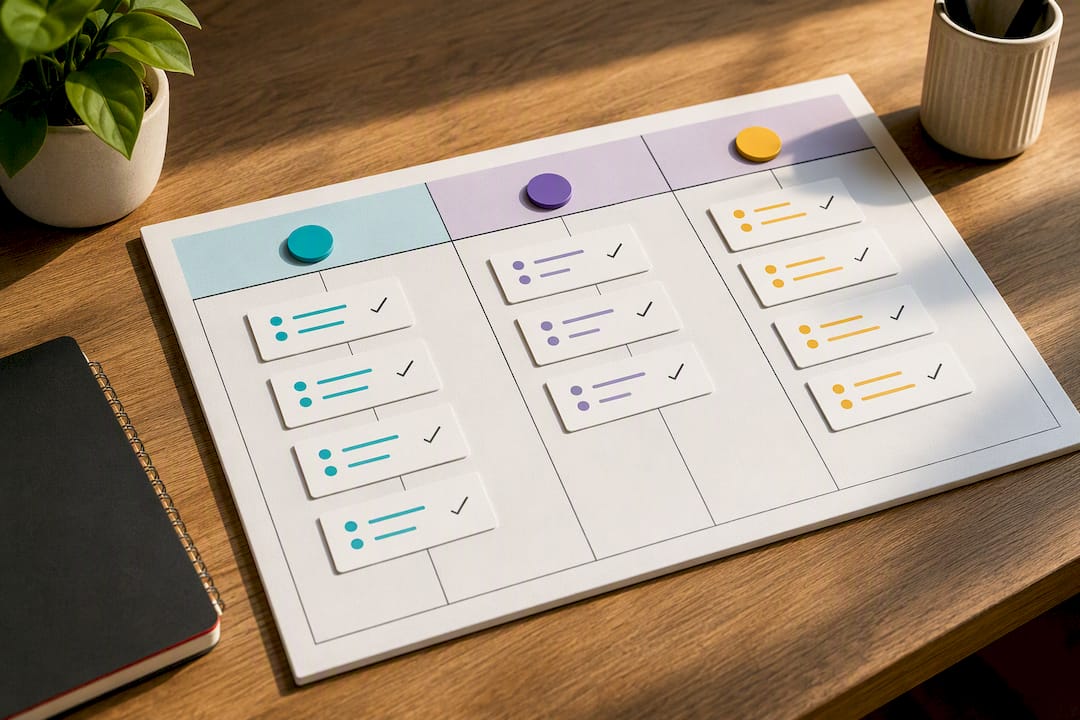
Assign clear ownership. Weekly tasks suit a marketing coordinator; quarterly audits suit whoever holds strategic oversight, whether that’s an owner or an agency. A technical SEO audit partner can catch citation inconsistencies that are easy to miss internally.
Pro Tip: Put these three tiers into a shared calendar with named owners against each task. Profiles that decay almost always trace back to “someone will do it eventually” rather than a lack of knowledge.
Why an integrated approach shortens the path to results
Handled separately, photography, web pages and review strategy each move slowly. Handled together, fresh images feed posts, posts drive profile views, and a properly built landing page converts those views into calls or bookings within the same sprint. Results still depend on your competition and location, so treat any timeline as a range, not a promise.
— Hook
How Hook Digital turns this checklist into results
Running this checklist properly takes photography, copywriting, technical fixes and a genuine weekly habit, which is exactly where most in-house teams run out of hours. A marketing agency can be the alternative to juggling multiple freelancers for this work, covering photography, landing pages, review strategy and ongoing local SEO management through a single client portal to streamline communications.
A typical first step is a profile audit that flags exactly which fields, photos or review gaps are holding you back, followed by a prioritised plan rather than a forced package. From there, our full-service marketing offering can take on the ongoing posting, photography refreshes and reporting cadence outlined above, so it actually happens every week instead of every few months. If your profile’s been sitting untouched, get in touch and we’ll tell you honestly what’s worth fixing first.
Sources
- Tips to improve your local ranking on Google
- The Ultimate Guide to Google My Business
- Google Business Profile Optimization Checklist: 42 Items for 2026 | The Search Sherpa
- Google Business Profile (official)
FAQ
How long does Google Business Profile verification take?
Postcard verification usually takes 5 to 14 days, while phone or email verification can be instant where Google offers it for your category. Video verification, where available, is typically completed within a few days of submission.
How often should I post on my Google Business Profile?
Aim for a new post roughly every 7 to 14 days to keep the profile looking active without flooding it. Mix standard updates, offers and events depending on what you’re promoting that month.
What’s the fastest way to improve my Google Maps ranking?
Complete every profile field accurately, since Google states that complete, accurate profiles rank more reliably than sparse ones. Pair that with steady review generation and regular photo uploads for the quickest visible movement.
Do I need a professional photographer for my Business Profile?
It isn’t required, but high-quality, varied photos tend to outperform ad hoc phone snaps for engagement. Services like Hook Digital’s photography and video work suit businesses that want a consistent library without the ongoing hassle.
Can Hook Digital manage my Google Business Profile for me?
Yes. Hook Digital’s full-service marketing work covers the photography, posting cadence, review management and ongoing local SEO checks this guide describes, typically starting with an audit to set priorities.
.png)


